






Managing teams in Pipedrive goes far beyond creating users and assigning deals. For the CRM to function in an organized and reliable way, it's essential to define clear rules about permissions and visibility.
These settings allow you to tailor Pipedrive CRM to your team structure, ensuring control over data and facilitating daily work, even in growing teams.
Why is team management so important in Pipedrive?
As a sales team grows, so does the volume of information in the CRM. Without well-defined rules, errors, duplicate data, and a lack of control arise.
Effective team management in Pipedrive helps to:
- protecting sensitive information
- avoid unauthorized changes
- maintain consistent data
- to facilitate collaboration between users
The goal is not to limit the team's work, but to create an organized and safe environment.
The role of permissions in team management in Pipedrive
Permissions determine what each user can do within the platform. They are one of the cornerstones of team management in Pipedrive, as they control actions such as creating, editing, or deleting data.
In Pipedrive, permissions are organized into sets. Each set can be tailored to the user's role, allowing for clear and scalable management.
This approach is especially useful when there are different levels of responsibility within the sales team.
Global permissions and operational permissions
In Pipedrive's team management, it's important to distinguish between two types of permissions.
Global permissions relate to the account structure. They include access to settings, creation of custom fields, and user management. Therefore, they should only be assigned to administrators or those responsible for the CRM.
Operational permissions are linked to day-to-day work, such as editing deals, contacts, or leads. These permissions should reflect each user's actual role.
Separating these levels helps maintain control without compromising productivity.
What are visibility groups in Pipedrive?
Visibility groups complement permissions and are fundamental in team management within Pipedrive, as they allow you to define who can see what information within the CRM.
With these groups, it's possible to limit access to deals, contacts, or leads, according to team or role. A user can see only their own data, their team's data, or all company data. This feature improves focus and protects sensitive information.
When does it make sense to limit visibility?
Limiting visibility doesn't necessarily mean making the work more difficult. In many cases, it makes management more efficient.
Team management in Pipedrive benefits from this approach when, for example, the following exist:
- teams by region
- different lines of business
- independent business processes
In these contexts, each user only sees what is relevant to their daily life.
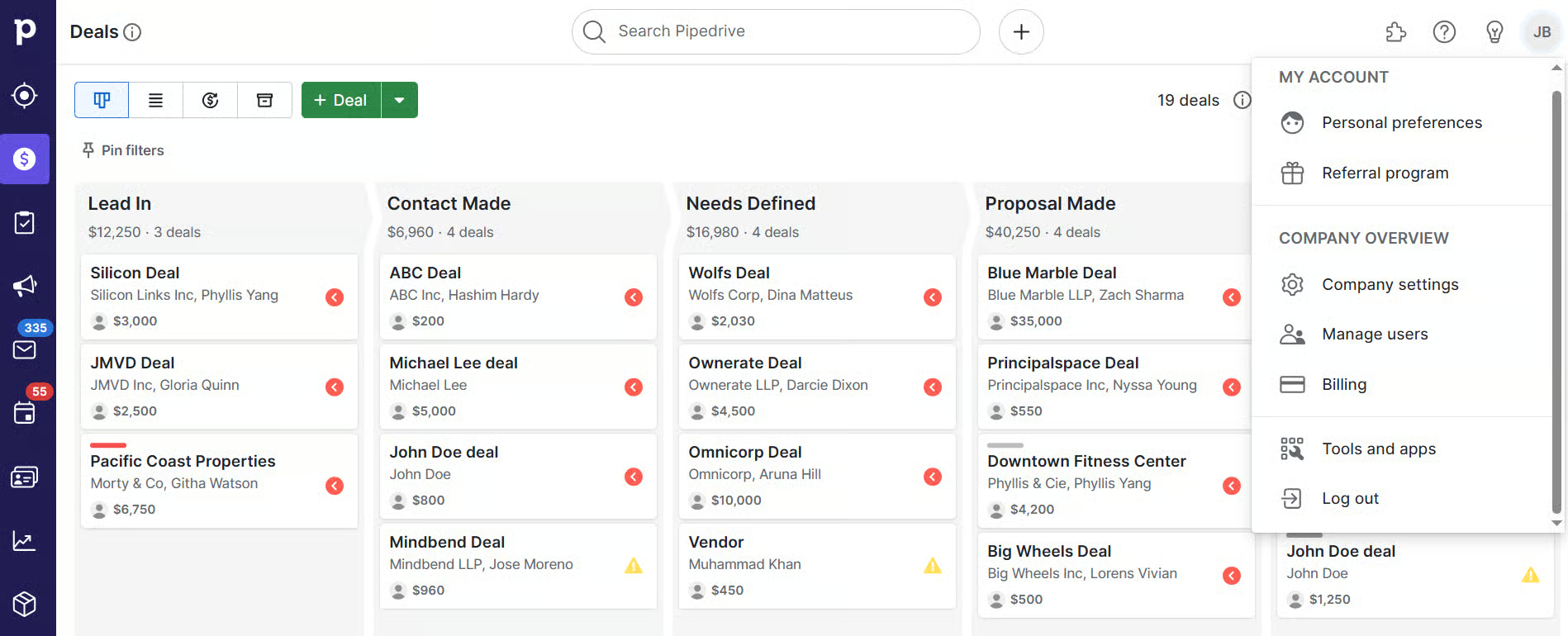
Configure permissions consistently
Permission settings should follow a simple and repeatable logic. Instead of ad hoc adjustments, it's preferable to create permission sets aligned with actual roles.
This practice simplifies team management in Pipedrive and streamlines the onboarding of new users. Whenever someone joins the team, simply assign the appropriate set of tools. Furthermore, it reduces the risk of manual errors.
Defining visibility groups in a practical way
Visibility groups should reflect the team structure. The simpler they are, the easier they will be to maintain over time.
In more advanced plans with Pipedrive, it's possible to create multiple groups and subgroups. This flexibility helps companies with larger or more complex teams. Even so, simplicity remains a good practice in team management within Pipedrive.
Pipeline visibility and work organization
Pipedrive allows you to define which pipelines are visible to each user or group. This feature is particularly useful when there are different processes within the same account.
By hiding irrelevant pipelines, organization is improved and confusion is avoided. This separation contributes to clearer and more efficient team management in Pipedrive.
Permissions and data quality in CRM
Poor permissions management directly affects data quality. When too many users can modify critical information, errors increase.
By carefully defining permissions, data becomes more reliable. This has a direct impact on reports and sales forecasts. In Pipedrive team management, this control is essential to support decisions based on real data.
Onboarding and team development
Permissions and visibility groups facilitate the onboarding of new members. From day one, each user works with appropriate access.
Over time, roles change and the team evolves. Therefore, team management in Pipedrive should include periodic access reviews, ensuring that permissions remain aligned with reality.
A solid foundation for team management in Pipedrive
Effective team management in Pipedrive depends on clear permissions and visibility. These settings help protect data, keep the CRM organized, and support the growth of the sales team.
When configured consistently, Pipedrive CRM becomes a reliable, easy-to-manage tool aligned with the real needs of the company. To clarify any doubts or request your free demo, talk to us.